The free CAD viewer
for people who make parts
You don't need a SolidWorks or CATIA license to read a drawing. Open STEP, IGES, STL, and OBJ files in the browser, take the dimensions you need, and share by link — free.
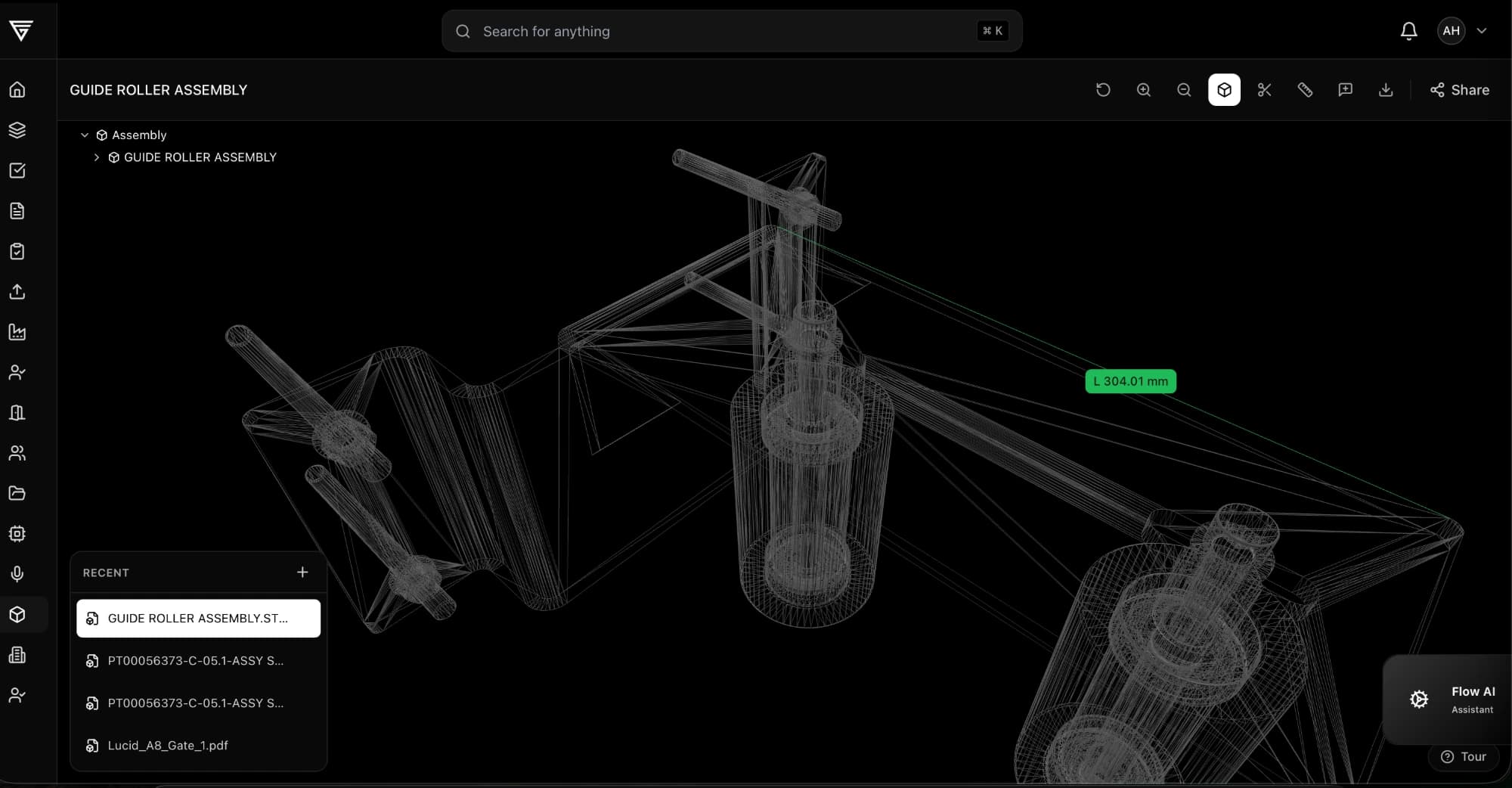
The free CAD viewer, up close
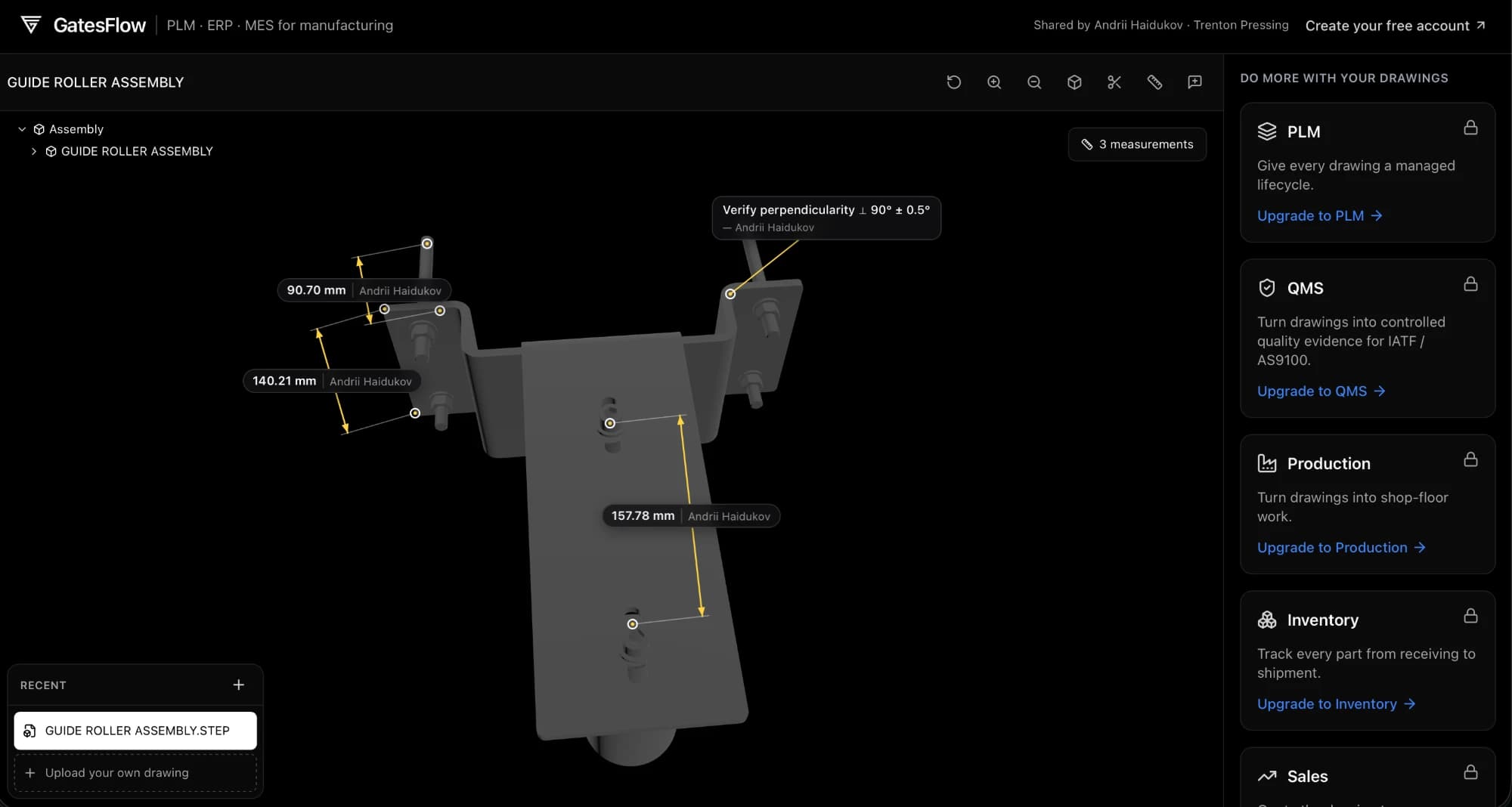
Real parts in the real product — measure, annotate, and share models straight from the browser.
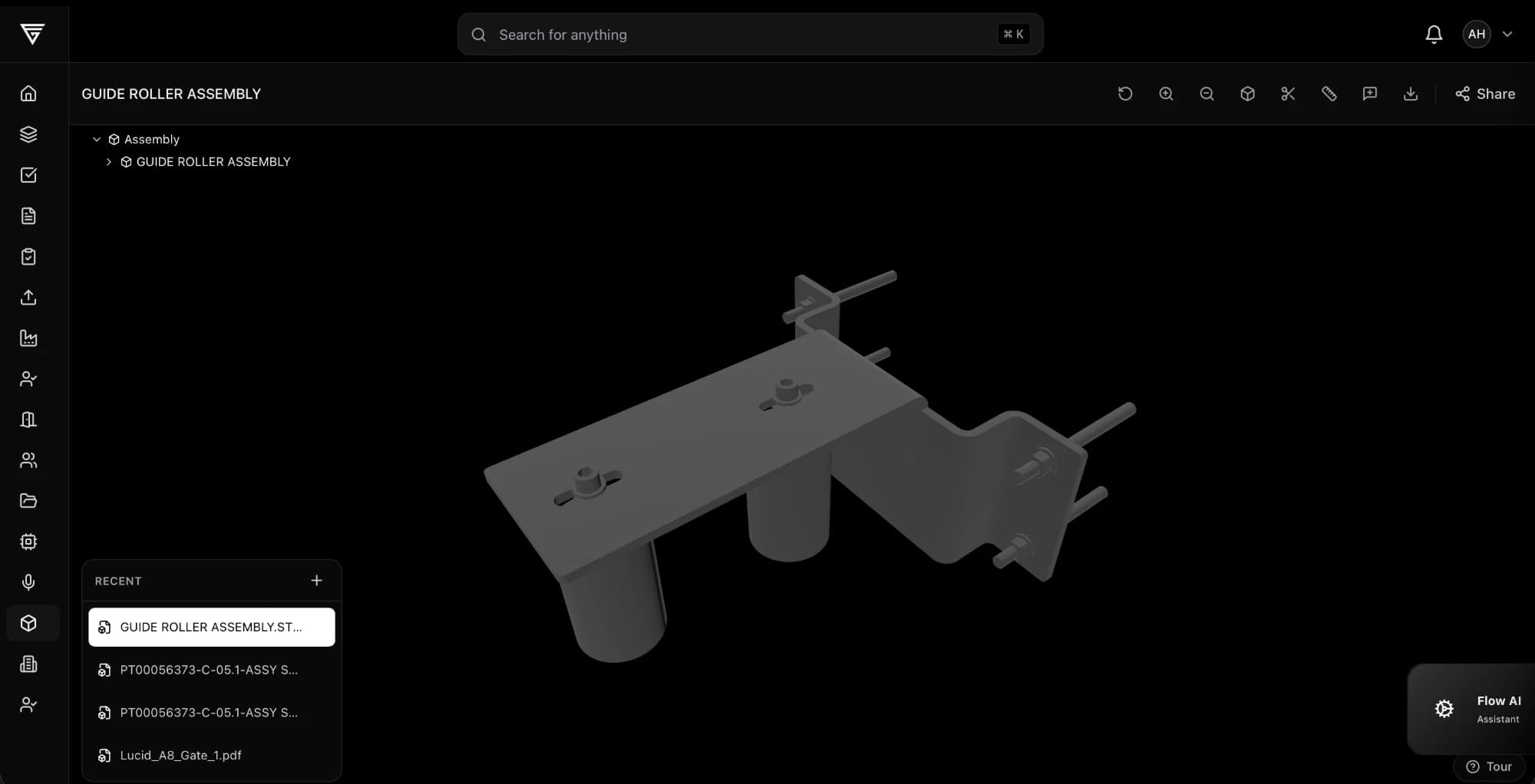
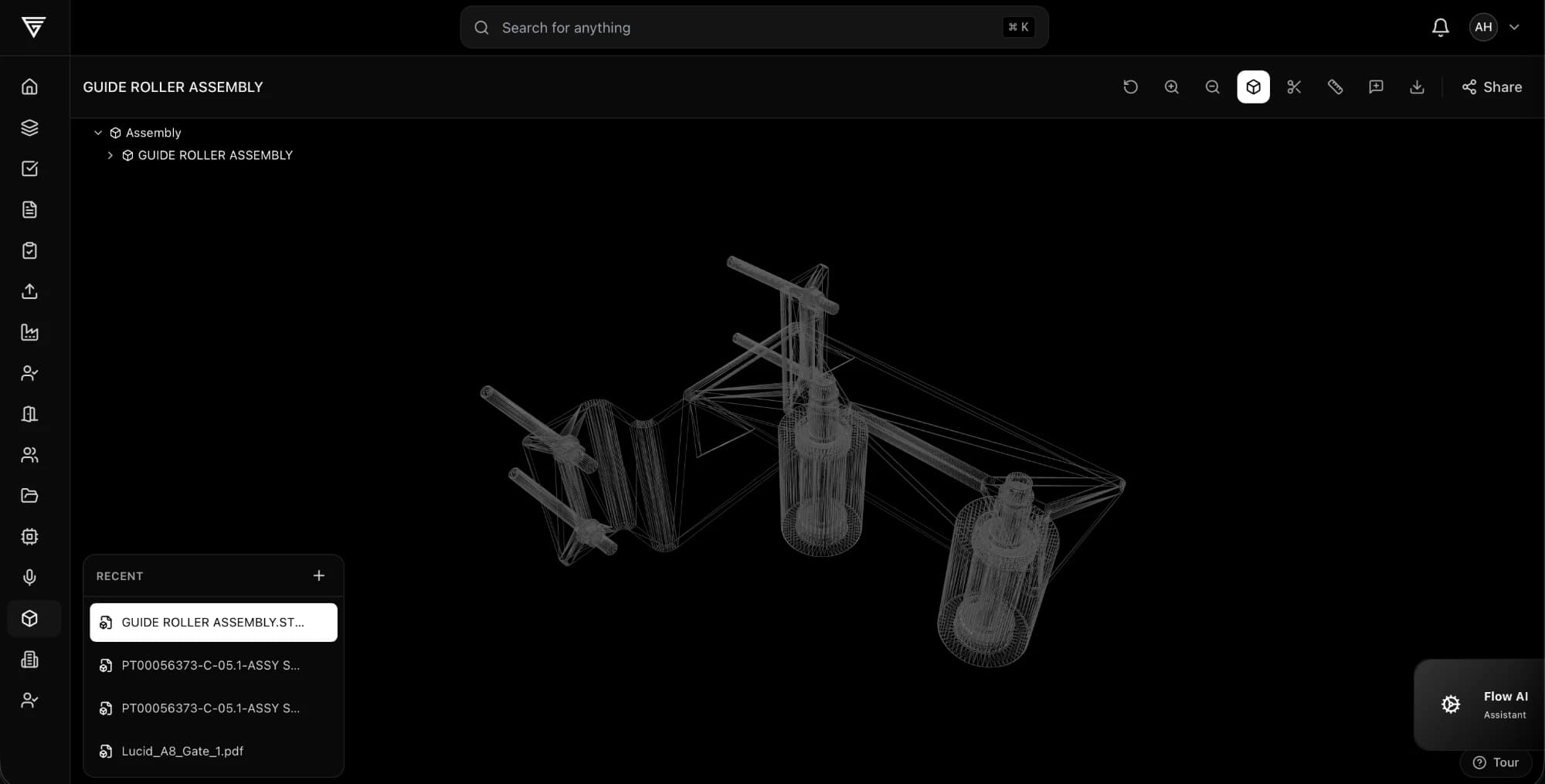
You don't need SolidWorks to make the part
Native CAD is for designing parts. Most of manufacturing just needs to read them — the dimensions, the tolerances, the geometry. That shouldn't cost $10,000 a seat.
Suppliers quoting a part
A customer sends a STEP file with the RFQ. Open it in the browser, measure the features that drive cost, count the components — and quote the same day, without buying a license for a file you didn't author.
Machinists & fabricators
The drawing tells you what to hold; the model tells you what you're making. Rotate the part, section it, pull the dimensions you need for setup — right at the machine, on any device.
Quality & inspection
Check a measured part against the model, not a stale PDF. Dimensions and notes stay attached to the geometry, with the author's name — so "which rev is this?" has one answer.
Purchasing & program managers
Understand what you're buying without asking engineering. Browse the assembly tree, count parts from the extracted BOM, and see exactly what changed between revisions.
Every free CAD viewer shows you the part.
GatesFlow is where the part goes into production.
Free viewers end at looking. Free CAD tiers end at non-commercial terms. Review platforms end at review. GatesFlow is the only free entry point where the same model keeps going — into documents, quality, and the shop floor.
| Capability | GatesFlow Free account | Free viewers Autodesk Viewer, eDrawings | Free CAD tiers Onshape Free, Fusion personal | Review platforms CoLab, CAD ROOMS |
|---|---|---|---|---|
| Opens STEP / IGES / STL in the browser | ||||
| Free for commercial use | ||||
| Designs stay private on the free plan | ||||
| One current revision with history & audit trail | ||||
| Document control for ISO 9001 / IATF audits | ||||
| Quality workflows: FMEA, control plans, PPAP | ||||
| Production: BOMs → work orders → scheduling | ||||
| Grows into full PLM / ERP in the same system |
As of mid-2026. Onshape's free plan makes documents public and prohibits commercial use; Autodesk Fusion's personal license is non-commercial and limited to 10 active documents; CoLab and CAD ROOMS are paid products. “~” means it varies within the category. See the full breakdown in our comparison guide.
Why teams choose GatesFlow for CAD collaboration
Stop emailing CAD files and paying for viewer licenses. Start collaborating in the browser.
No expensive licenses
Your suppliers don't need SolidWorks, CATIA, or NX. Anyone with a browser can view and markup your CAD files.
Async collaboration
Comments and markup saved directly to the model. Team discussions attached to specific features for context.
Secure sharing
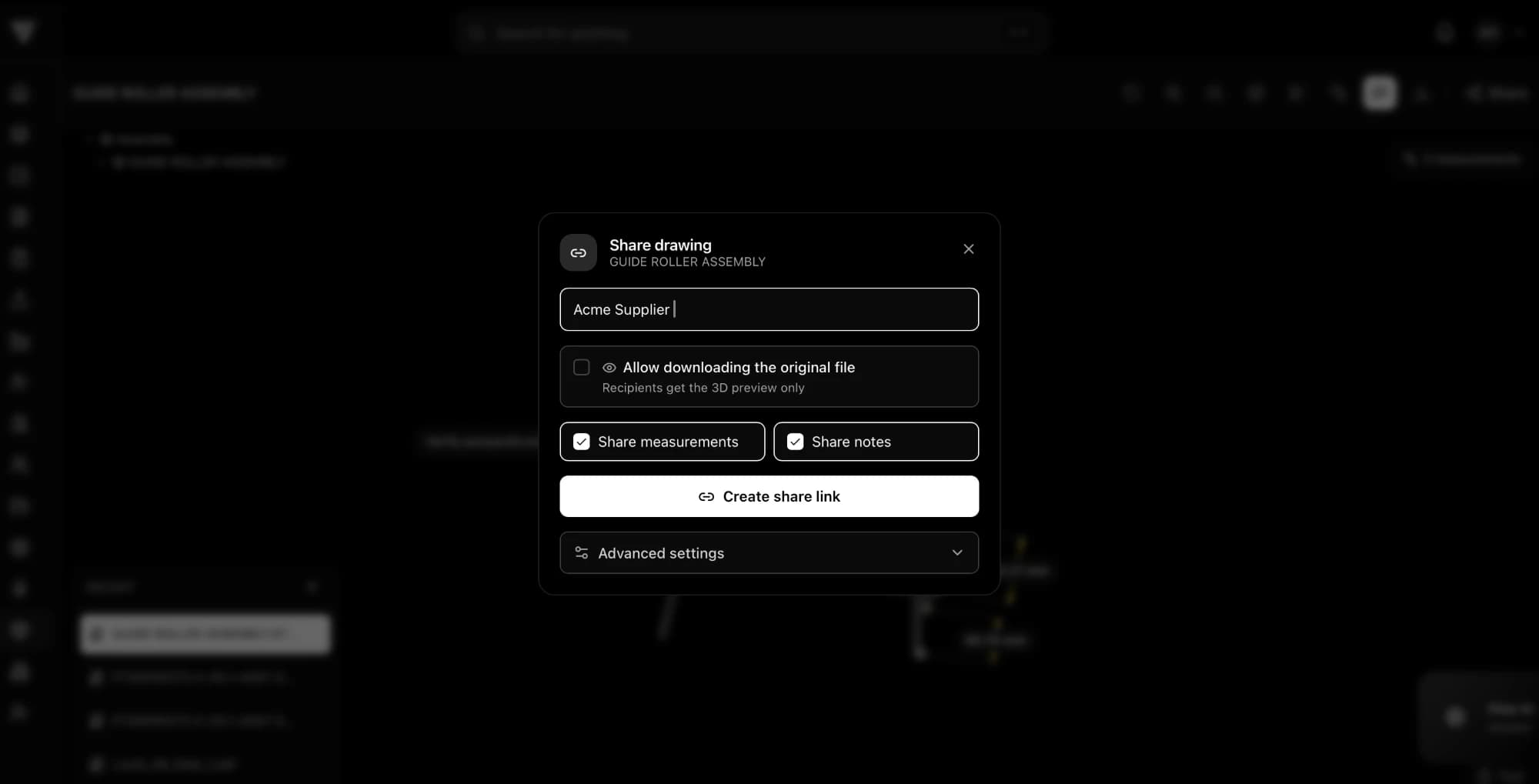
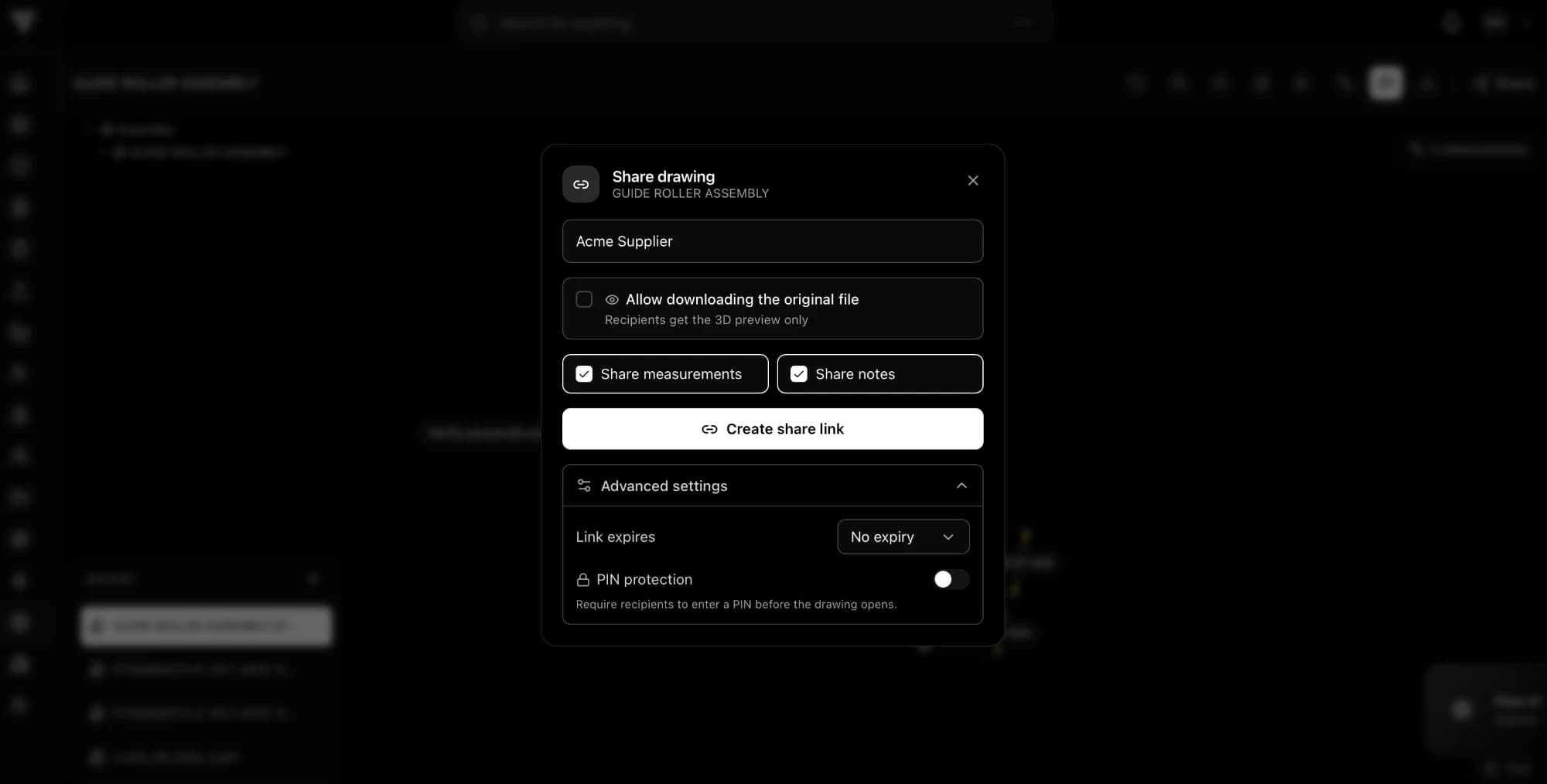
Share specific models with external partners. Control access with expiring links and full audit trails.
Quality integration
Link CAD views directly to FMEA analysis, inspection records, and control plans for complete traceability.
How it works
Create your free account
Two minutes, no credit card. Your models get a home with revision history instead of living in email attachments.
Upload your CAD file
Supports STEP, STP, STL, OBJ, GLB, and GLTF formats with automatic conversion.
Measure, annotate, and share
Pull dimensions off the geometry, leave notes on features, and send secure links with permissions and expiration dates.
Part of the GatesFlow Platform
CAD collaboration is just the beginning. Connect your 3D models to program management, quality workflows, and financial tracking.
Frequently asked questions
Can I open a STEP file without SolidWorks?
Yes. Upload the STEP file to GatesFlow's free CAD viewer and it opens in your browser — no SolidWorks, CATIA, or NX license needed. You can rotate the model, view the component tree, and pull dimensions directly off the geometry.
Is the GatesFlow CAD viewer really free?
Yes, including for commercial use. Unlike free CAD tiers such as Onshape Free (public documents, non-commercial) or Fusion personal (non-commercial, 10-document limit), GatesFlow's free account keeps your designs private and has no commercial-use restriction.
What file formats does the free CAD viewer support?
STEP, STP, IGES, STL, OBJ, GLB, and GLTF, with automatic conversion on upload.
Can I measure dimensions from a CAD file online?
Yes. Click any two features to get distances, measure diameters and angles, and the measurements stay attached to the model when you share it by link.
How do I share a CAD file with someone who doesn't have CAD software?
Upload the model and send a share link. Recipients see the 3D model, your measurements, and notes in their browser. You control downloads, link expiry, and can require a PIN.
Is my CAD data private?
Yes. Free accounts keep models private. Share links show a 3D preview only unless you explicitly allow original-file downloads, and every access is logged in the audit trail.